
Sign In Page Overview
The Sign In (Login) page is a vital component of the "Dobule - Food Delivery" app, allowing existing users to access their accounts securely and conveniently. This section of the documentation covers the details and functionalities of the Sign In page, ensuring that users can log in smoothly and securely.
- Sign In Page: The Sign In page is designed to authenticate existing users by verifying their credentials. The page includes fields for the following details:
- Email Address: Users must enter the email address associated with their account. This email is used for identification and communication purposes.
- Password: Users need to enter their password to access their account. The password field ensures that user credentials are kept secure.
The Sign In page also includes a Sign In button that, when clicked, submits the login form. The form includes validation checks to ensure all fields are correctly filled out. If any errors are detected, appropriate error messages are displayed to guide users in correcting the information.
This structured approach helps in building user confidence and ensuring a higher level of engagement from the start. By guiding users through the login process, the app effectively reduces the learning curve and enhances user satisfaction.
For a detailed visual guide on navigating the Sign In process, please refer to the video tutorial provided at the end of this section. This video will walk you through each step of the login process, showcasing the layout and the type of information presented, ensuring you have a clear understanding of how to interact with and navigate through the initial setup.
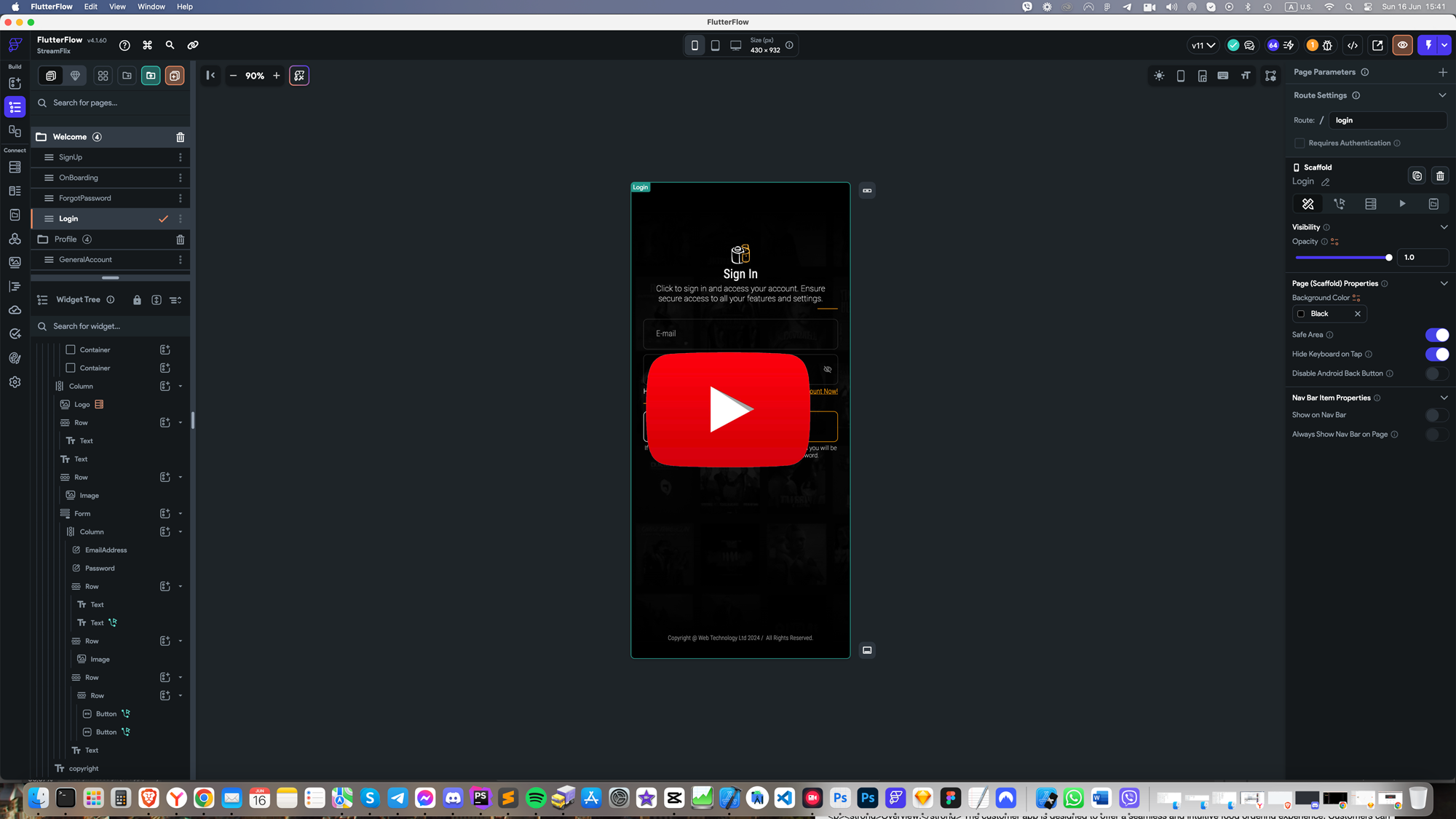
Image and Icon Credits
All images in this template are created by MidJourney and are authors copyrighted.
Regarding illustrations and icons, they are free and downloaded from Streamline. Licenses can be seen here.