
Login Sign in Page of Admin
Once all steps for the admin registration are completed, you can proceed to log in to the admin page.
When you log in as an admin, you will see small card windows on a white background. Each card represents a different admin, displaying the admin's avatar, first name, last name, and roles. These cards show which admin has which access level and credentials. Each admin has unique usernames and passwords, so you can only use the credentials that you created during registration.
You must use your own username and password to log in successfully, as you do not have access to other admins' credentials. If you attempt to hack or log in to another admin's account, you are limited to 3 unauthorized attempts. After the third failed attempt, the targeted admin card will be disabled, and you will no longer be able to log in as that admin. This security measure ensures that only authorized personnel can access the admin page.
For security reasons, please use only your own username and password. Refer to the video guide below for more detailed instructions.
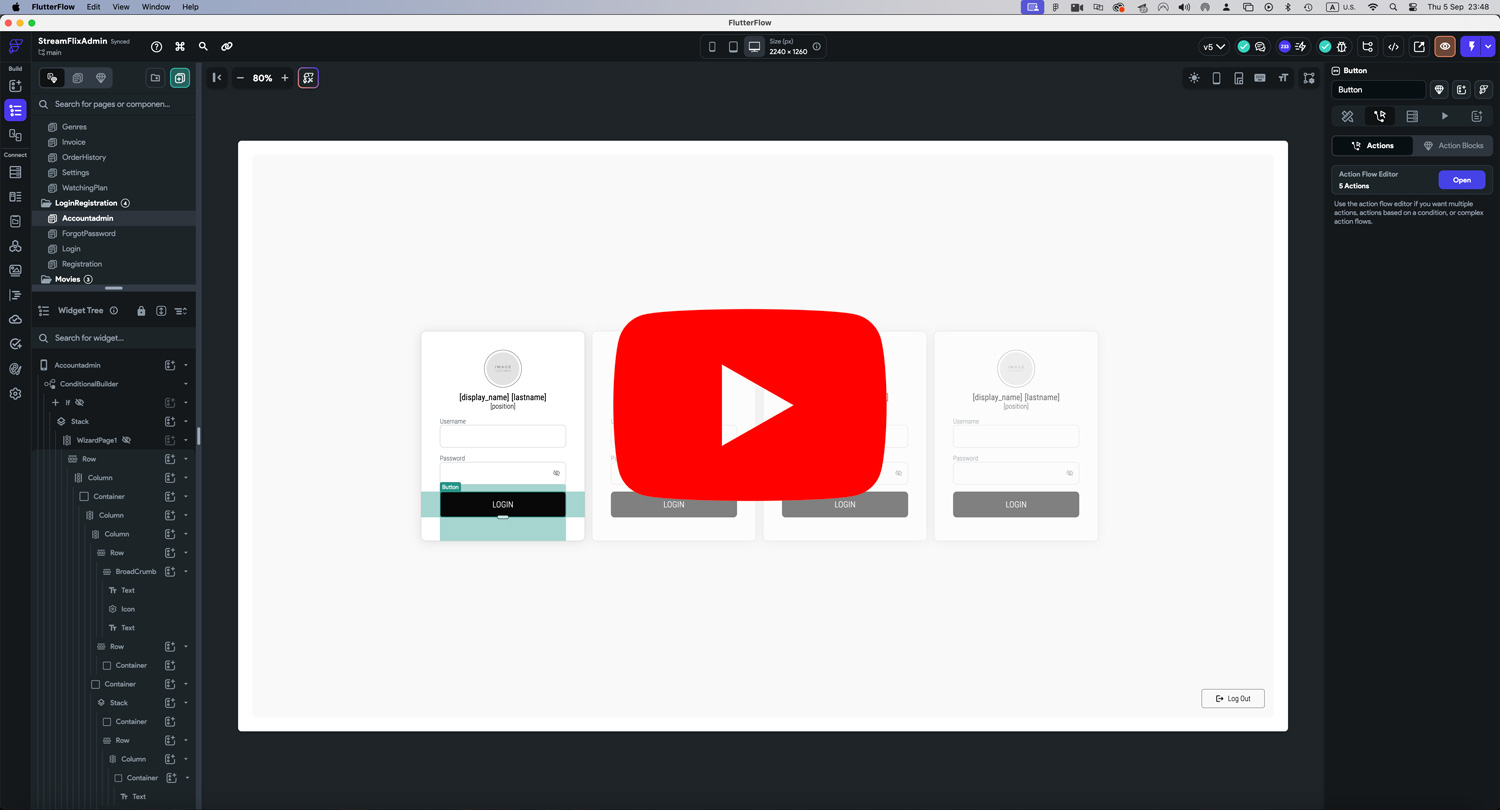
Image and Icon Credits
All images in this template are created by MidJourney and are authors copyrighted.
Regarding illustrations and icons, they are free and downloaded from Streamline. Licenses can be seen here.